Clear ownership
Assign every task so work stops bouncing around in chat.
Keep the Kanban simplicity your team likes with clearer owners, priorities, and next steps for client work.
Keep Kanban simple, with clearer owners and next steps.
Start with one client board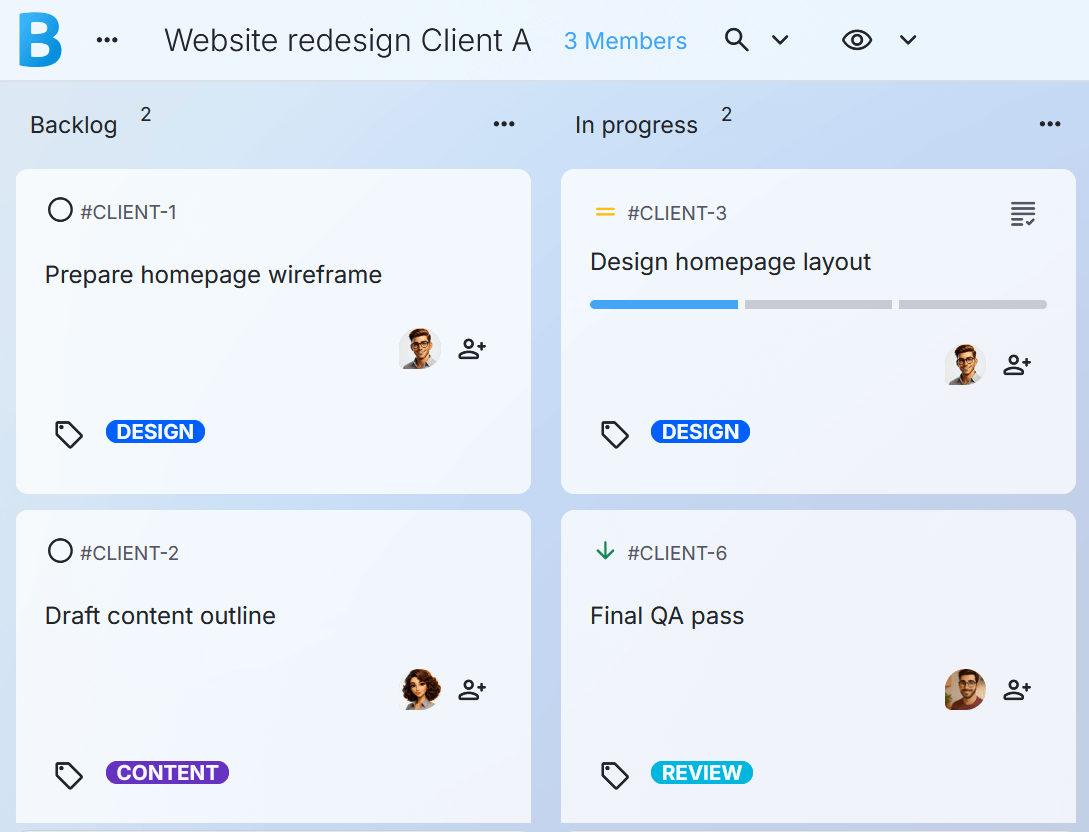
🟢 “Trello has become quite cluttered.”
🟢 “Overwhelmed by the amount of cards.”
🟢 “Hard to see the forest through the trees.”
🟢 “Boards are very siloed.”
🟢 “More time organizing than executing.”
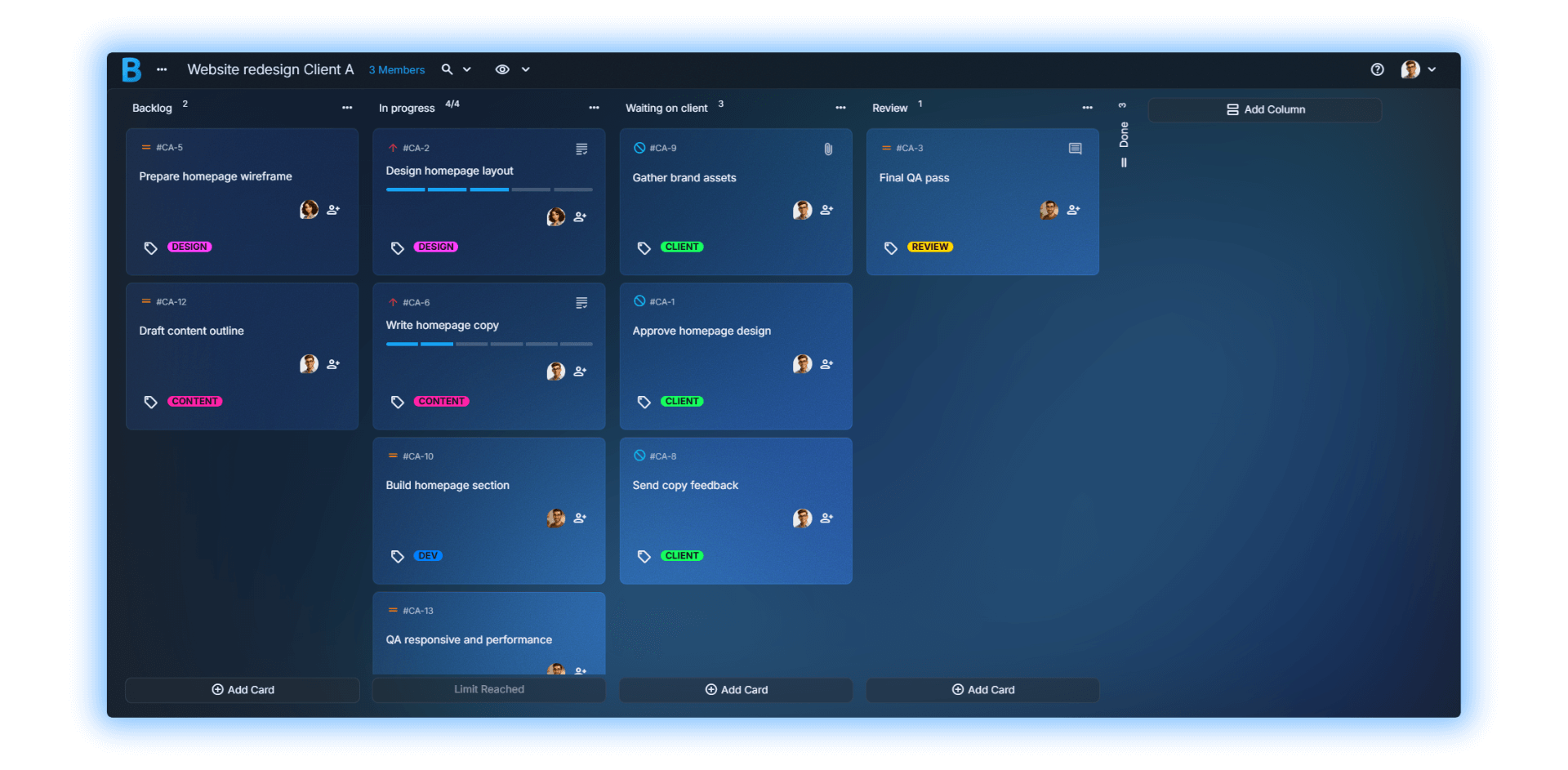
Assign every task so work stops bouncing around in chat.
Turn deliverables into small steps your team can finish and track.
Use comments to keep feedback and updates in one place.
Keep assets on the card so nobody hunts links or folders.
Make “what matters now” visible without extra meetings.
Filter by person, client, tag, or priority to see exactly what you need.
When client work scales
| It is easy for boards to get cluttered as cards pile up. |
| It gets harder to keep a clear weekly view. |
| Teams can end up spending more time organizing than executing. |
(for 2-10 person client teams)
| WIP limits keep columns from turning into card dumps. |
| Collapsible columns keep the board clean when work expands. |
| Filters, priorities, and tags help you focus fast without changing tools. |
Simple enough to adopt fast. Structured enough to stay calm.
If you need complex dependencies, automations, deep reporting, or lots of integrations, Borddo won’t be a fit. It is built for small client teams that want clarity without bloat.
Start your 30-Day Team TrialCreate a board for one client or one project. Keep it simple.
Add your 2–10 people and assign the work. Everyone sees what they own.
Use the board for real delivery work. Keep Trello open in the background until you feel confident.
Not at all. Borddo is as easy as moving sticky notes on a whiteboard, but digital.
No. Start with one active client board in Borddo. Keep Trello as-is while your team tests whether Borddo makes ownership and progress clearer.
Yes. Create separate boards for each project or client. Access them all from your homepage.
If those tools ever felt like too much, you will like Borddo. It keeps the workflow simple and the board calm.
Yes. Borddo runs in any browser on desktop, tablet, or phone. There is no app to install.
You can add payment details anytime, but you will not be charged until the trial ends. If you do not subscribe, your team boards will be paused. You will still have 30 days to upgrade and restore access.
One client board is enough to know if Borddo fits.
Start with one client board